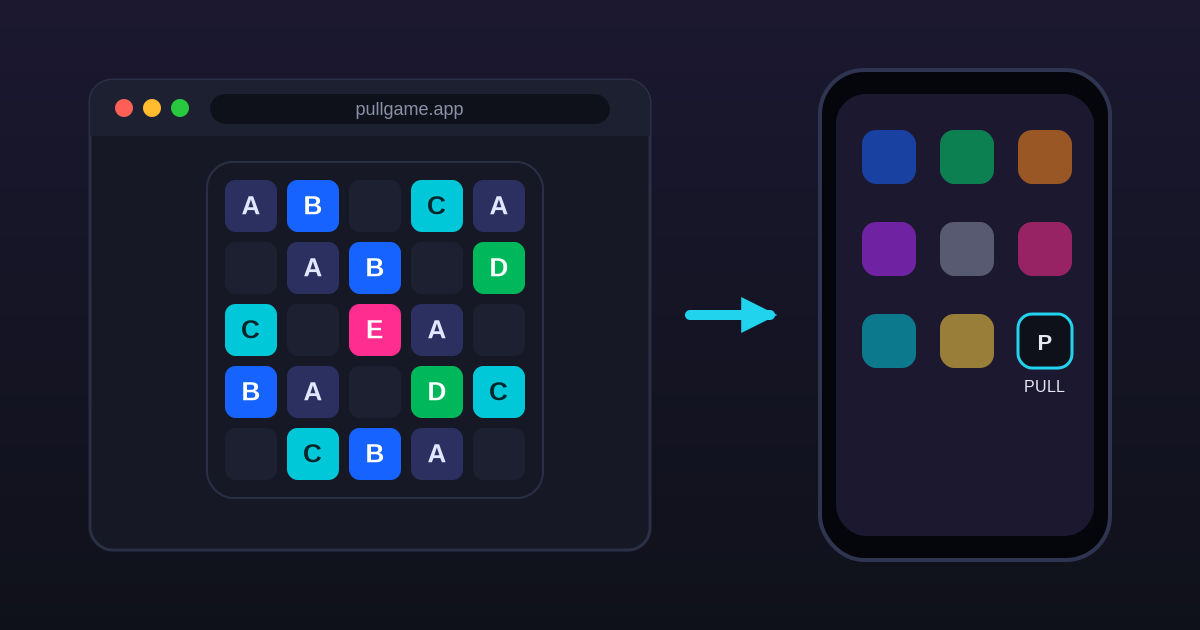
Quick answer: Many puzzle games now run straight in your web browser: just open the website and play. No app store, no account and almost no storage needed. Many can also be added to your home screen, where they open like an app and some even work offline. Your progress is usually saved in that browser on that device.
Not everyone wants another app on their phone. Maybe your storage is full, you don't want to set up an app store account, or you just want to try a game before committing. The good news is that many of the best puzzle games now run in a web browser.
What is a browser game?
A browser game is a game that runs inside your web browser, such as Safari, Chrome, Edge or Firefox, on a phone, tablet or computer. You visit the game's website and start playing. Nothing is installed.
Some browser games are also web apps (sometimes called progressive web apps). They can be added to your home screen with their own icon, open full screen without the browser's address bar, and can keep working without an internet connection once loaded.
What are the benefits of playing in your browser?
- Nothing to install. Start playing in seconds.
- Saves space. Web games take up very little storage.
- No account needed for many games.
- Always up to date. You get the latest version every time you visit.
- Works on any device with a modern browser: phone, tablet or computer.
- Easy to try. If you don't like it, just close the tab.
How do you add a web game to your home screen?
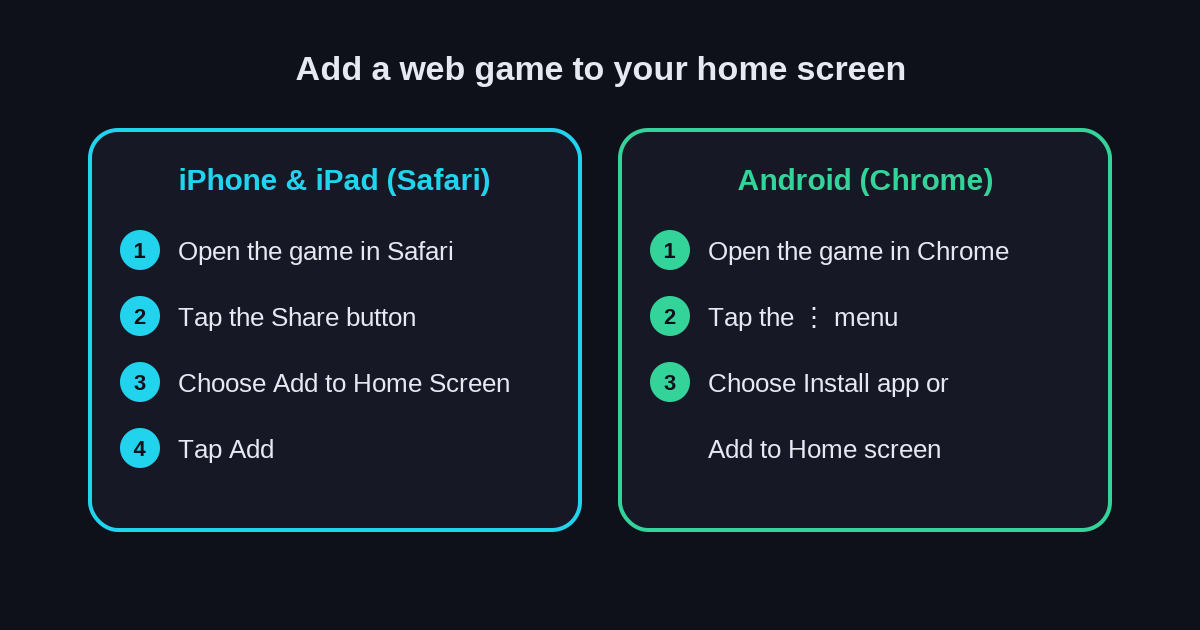
On an iPhone or iPad (Safari)
- Open the game's website in Safari.
- Tap the Share button (the square with an arrow pointing up).
- Scroll down and tap Add to Home Screen.
- Tap Add. The game now has its own icon.
On Android (Chrome)
- Open the game's website in Chrome.
- Tap the ⋮ menu in the top corner.
- Tap Install app or Add to Home screen.
- Confirm, and the game appears with your other apps.
Some games also show their own Install button that does this for you.
Where is your progress saved?
Most browser games save your progress, scores and settings in the browser on that device. That has a few consequences worth knowing:
- Clearing your browsing data (history, cookies and site data) can erase your progress.
- Different browsers or devices don't share progress, unless the game has an account system.
- On an iPhone, a game added to your home screen keeps its own storage, separate from Safari, so it can start from scratch. Some games offer their own install button to bring your progress with you. In PULL, use Settings → Install app rather than the Share menu, and your streak and scores come too.
Are browser games safe?
Playing on a well-known website is generally safe. A few simple checks:
- Check the address. Make sure you're on the game's real website, and that the address starts with
https://. - Don't enter personal or payment details unless you trust the site.
- Ignore pop-ups and ads claiming you've won something.
Can you play PULL without downloading anything?
Yes. PULL is a free letter merge puzzle that runs in your browser at pullgame.app. There's nothing to install, no account and no personal details. You can play straight away, add it to your home screen (open Settings → Install app in the game, or use the steps above), and once added it works offline too. Travelling? Our guide to puzzle games for commutes and flights covers playing with no signal.
New to PULL? Start with our guide to the rules and strategy, or try today's Daily PULL.
Key takeaways
- Browser games run in your web browser: no install, no account, little storage.
- Web apps can be added to your home screen and often work offline.
- Your progress is usually stored in that browser on that device, so be careful when clearing browsing data.
- Check the website address and never share personal details with sites you don't trust.
Frequently asked questions
Can you play puzzle games without downloading an app?
Yes. Many puzzle games run directly in a web browser on your phone, tablet or computer. You visit the website and play, with nothing to install.
How do I add a website game to my iPhone home screen?
Open the game in Safari, tap the Share button, choose Add to Home Screen, then tap Add. It will appear on your home screen with its own icon.
Do browser games work offline?
Some do. Web apps that support offline play keep working without a connection once they've been loaded or added to your home screen. PULL works offline after it's added to your home screen.
Will I lose my progress in a browser game?
Progress is usually saved in the browser on your device. Clearing your browsing or site data can erase it, and progress doesn't automatically move between browsers or devices.
Is PULL free?
Yes. PULL is free to play in your browser, with no download, account or personal details needed.